

Your Voice Copilot
for Elite Dangerous
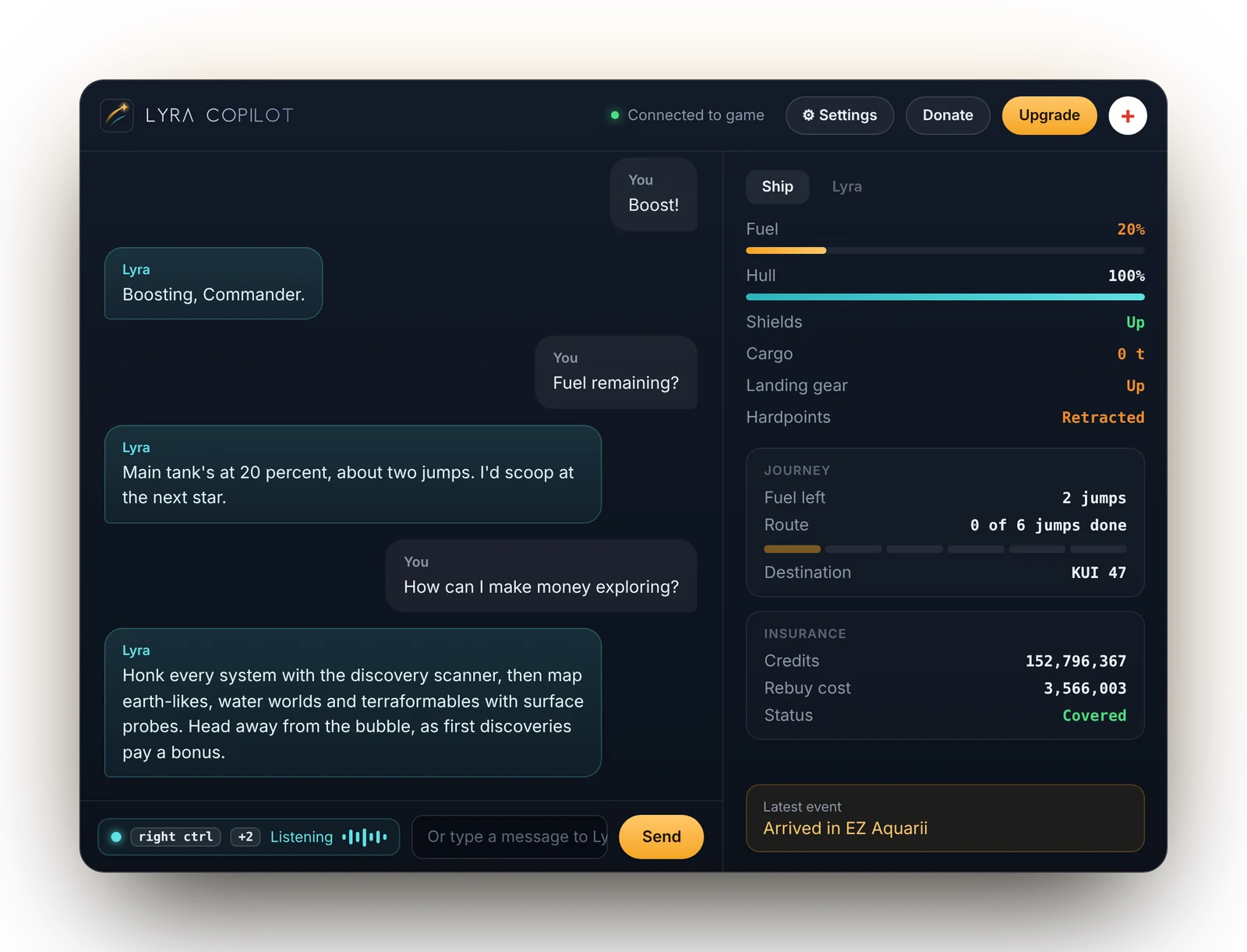
Lyra controls your ship, gives advice, and answers your questions, all by speech.
Windows PC. Free while in testing.
A crewmate, not a command list.
Lyra runs alongside the game on your PC and reads the logs Elite Dangerous writes for companion tools, so it always knows what's going on.
Talk the way you'd talk to crew
No fixed phrases to memorise. Ask questions or give orders in your own words.
Knows your ship
Fuel, hull, heat, cargo and your route. Lyra speaks up with a warning when something needs your attention.
Hands-free controls
Landing gear, hardpoints, lights, cargo scoop and more, through the key bindings you already have.
Works out of the box
No API keys, no servers, no config files. Paste in your access code, pick a push-to-talk button, and fly.
See Lyra in action.
A few of the things you can ask, and what Lyra keeps an eye on while you fly.
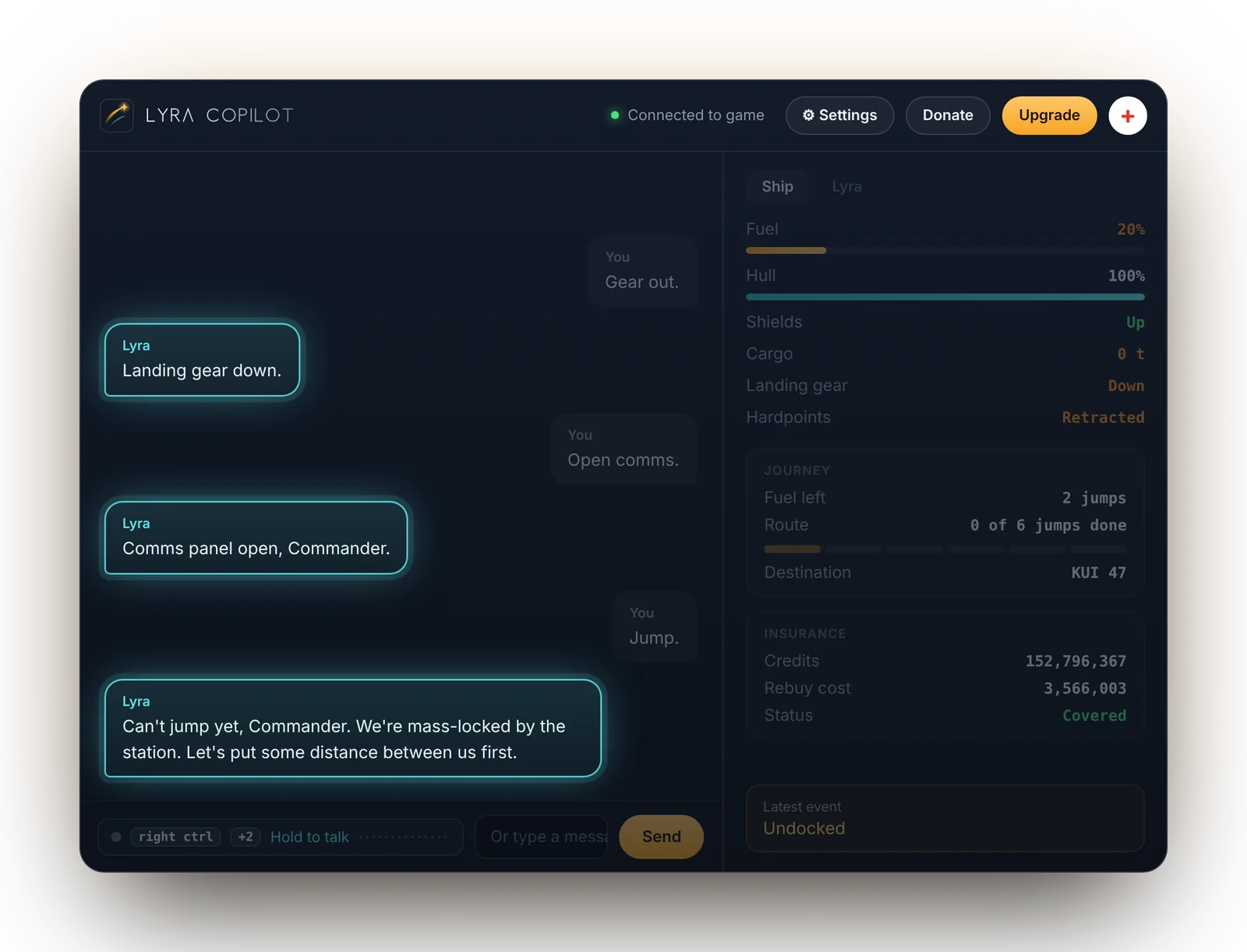
Hands-free ship commands
Say it your own way. Lyra presses the keys you've bound in Elite, and tells you when a command can't work right now, like jumping while mass-locked.
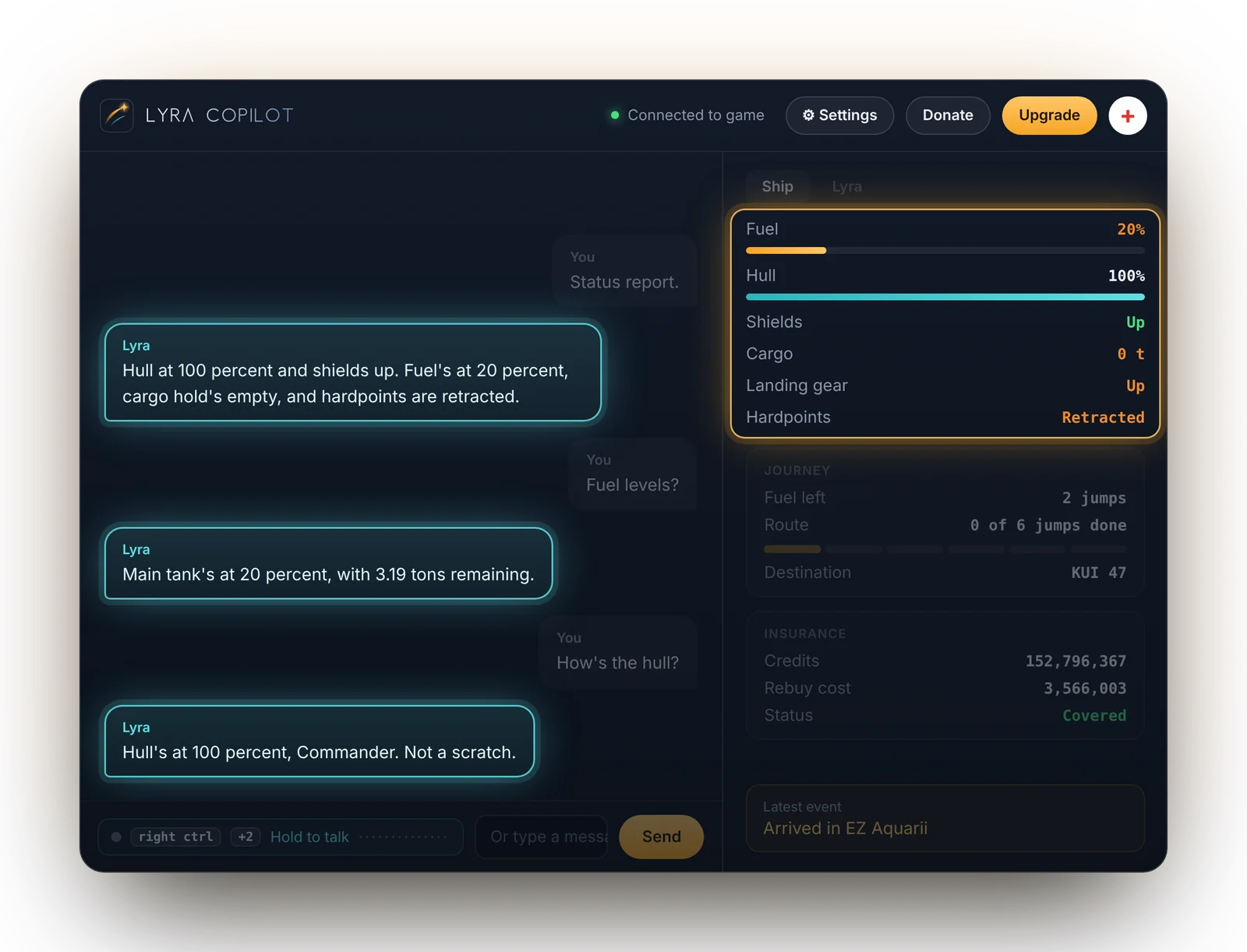
Ship status, on request
Ask about fuel, hull, cargo, your route or credits, and Lyra reads the answer straight from the game.
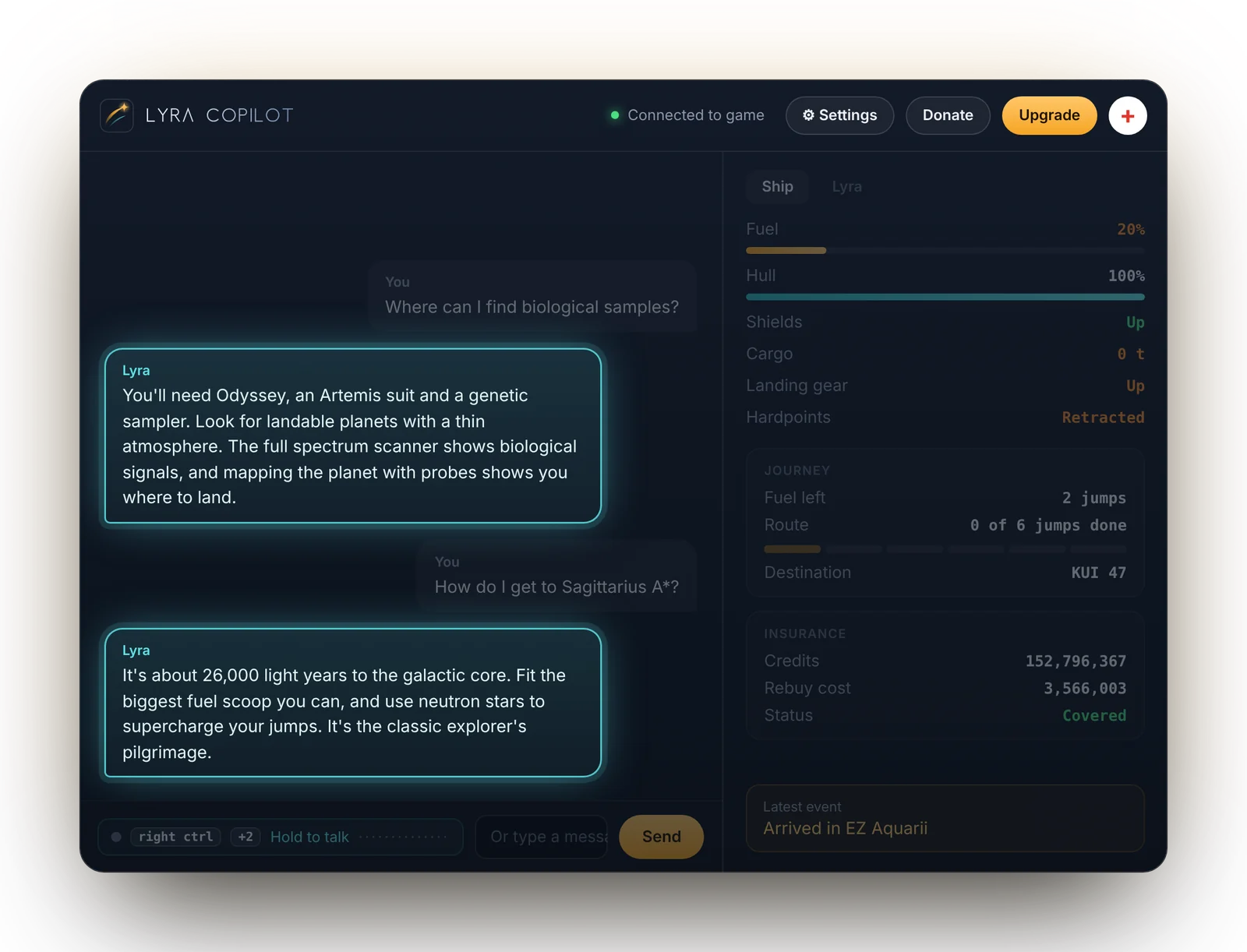
Advice when you need it
Ask about exploring, exobiology and life in the black, and get answers in plain words.
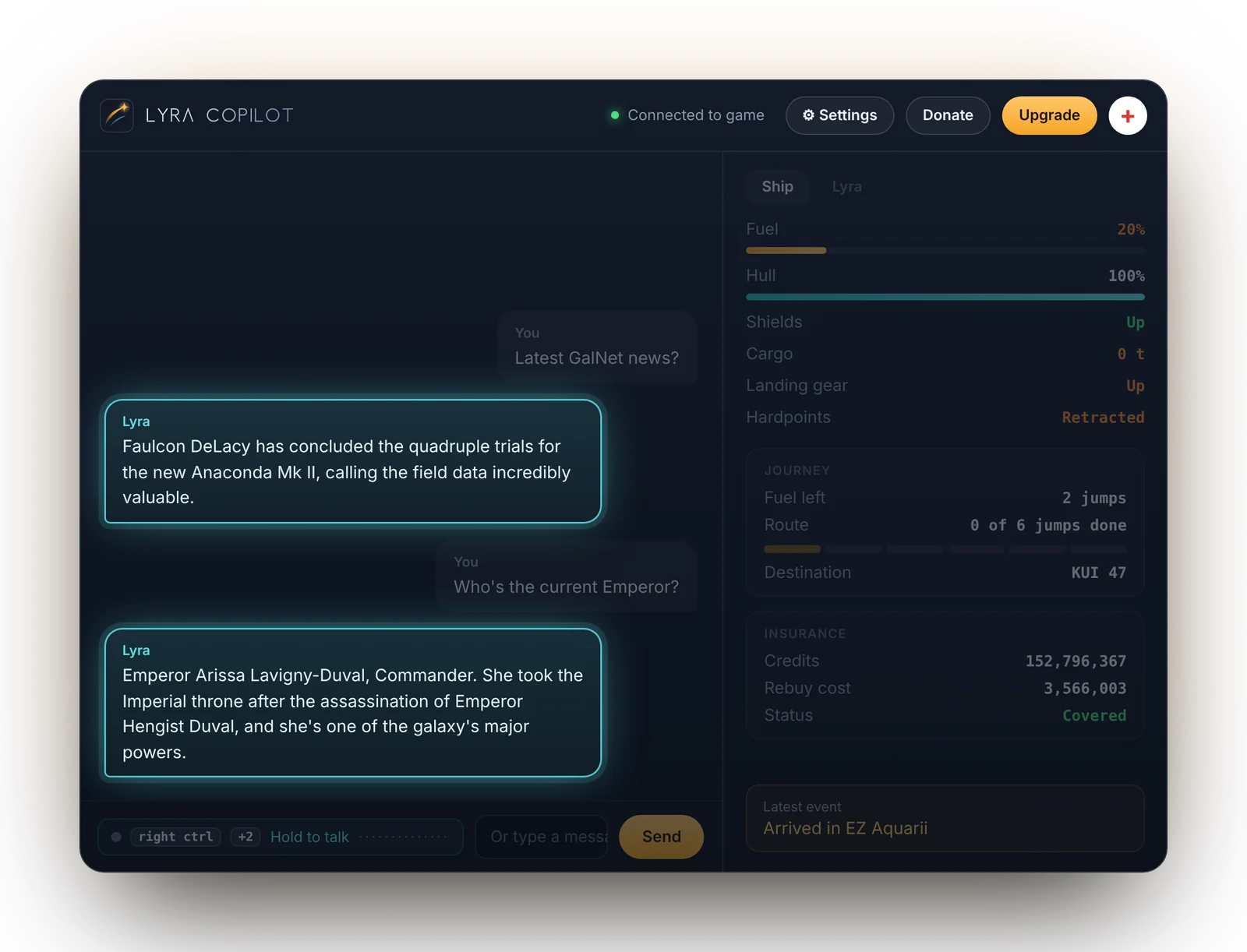
News and politics, on request
Catch up on the latest GalNet headlines and who's running the galaxy, without leaving the cockpit.
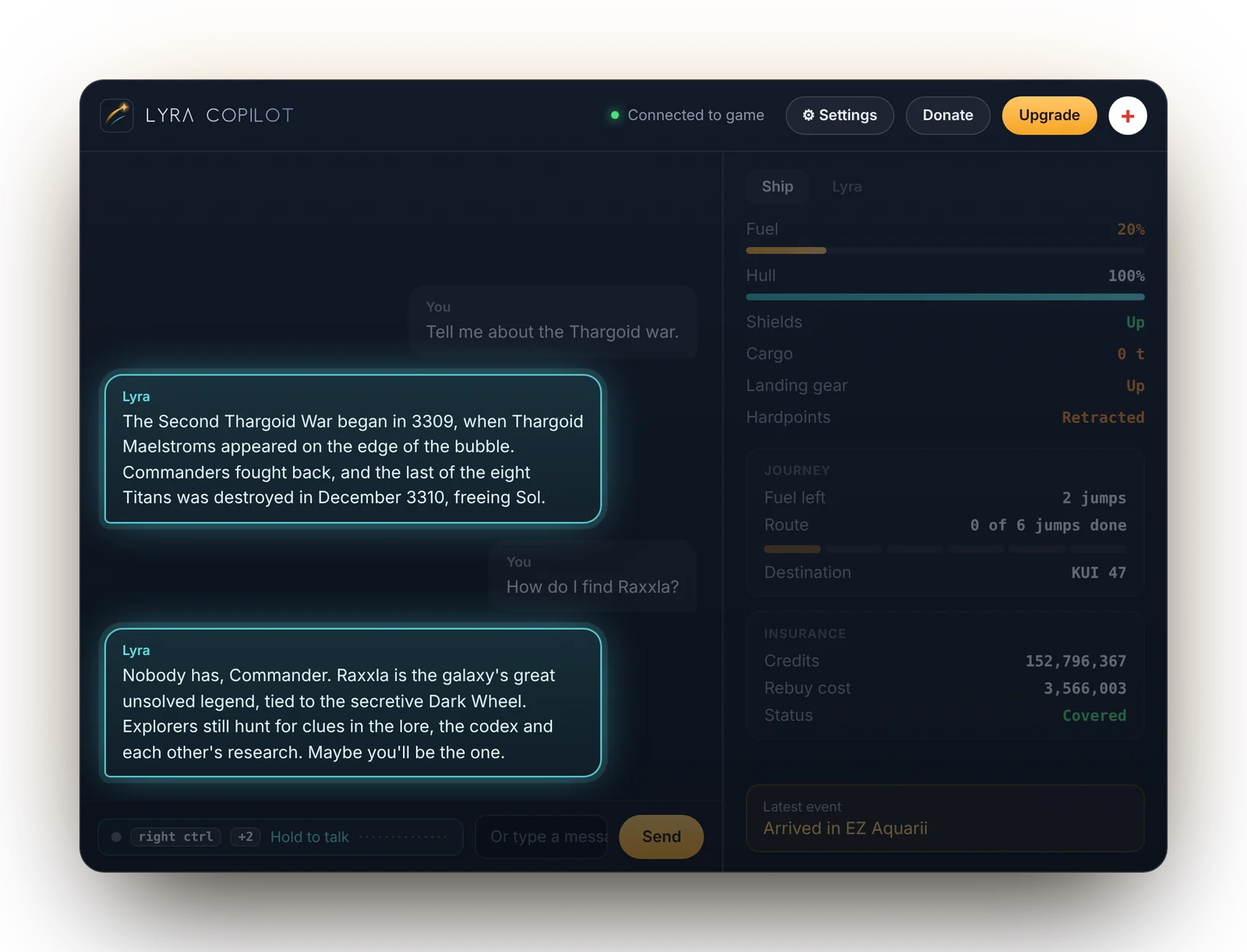
History and legends
Ask about the galaxy's past and its mysteries, from the wars that shaped the bubble to the legends explorers still chase.
Flying in ten minutes.
Three steps from invite to your first conversation.
-
Get an invite
Lyra is in testing. Request an invite and we'll email your access code and download access.
-
Install and add your access code
Run the Windows installer, paste in your access code, and pick a push-to-talk key or joystick button.
-
Launch Elite and talk
Lyra picks up the game automatically. Hold push-to-talk and say hello.
Where testing is at.
Testing is free. Expect rough edges, and expect things to change as we learn from your feedback.
- Ship controlsFlight, utilities and statusLive
- SRVDriving and SRV functionsIn progress
- On footOdyssey on-foot playIn progress
Ready when you are, Commander.
Places in the test are limited. Request an invite and we'll be in touch.